The best portable photo printers turn phone pictures into keepsakes, but print size and paper type shape what each one can do. Choose between pocketable sticky-backed prints and larger dye-sublimation photos, then weigh app features, included supplies and how you plan to share them.
Quick Top Products
KODAK Mini 2 Retro

- Uses four-pass dye-sublimation printing with a laminated finish.
- The bundle includes 38 sheets and four cartridges.
- Connects to iOS and Android devices over Bluetooth.
Best For: Travelers and scrapbookers who want pocket-size prints with a protective finish.

KODAK Mini 3 Retro
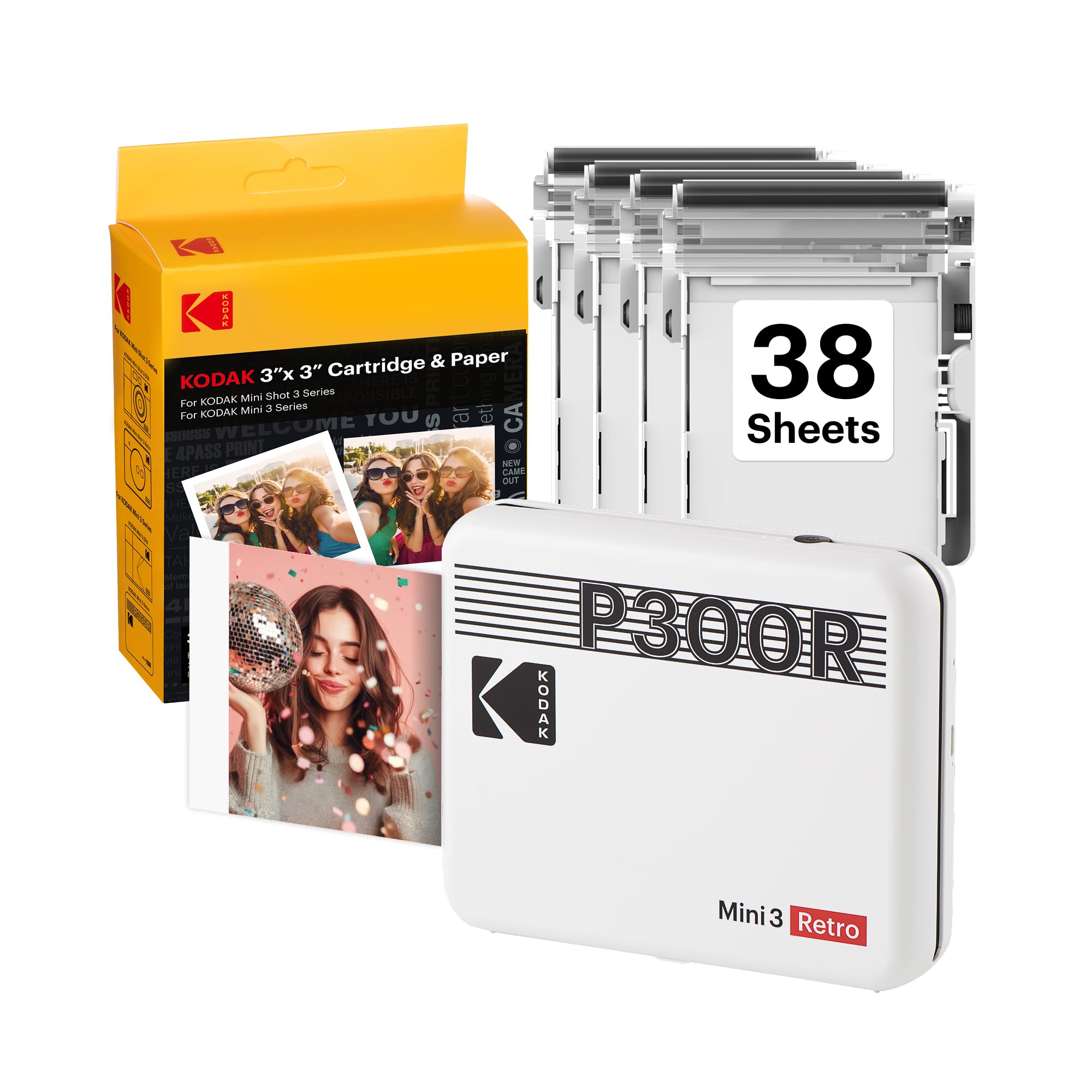
- Makes compact square prints for albums and creative displays.
- Uses 4PASS dye sublimation and clear lamination.
- Includes 38 sheets, four cartridges and a USB-C cable.
Best For: People who prefer square keepsake prints for scrapbooks, displays and gifts.
Nelko PP01
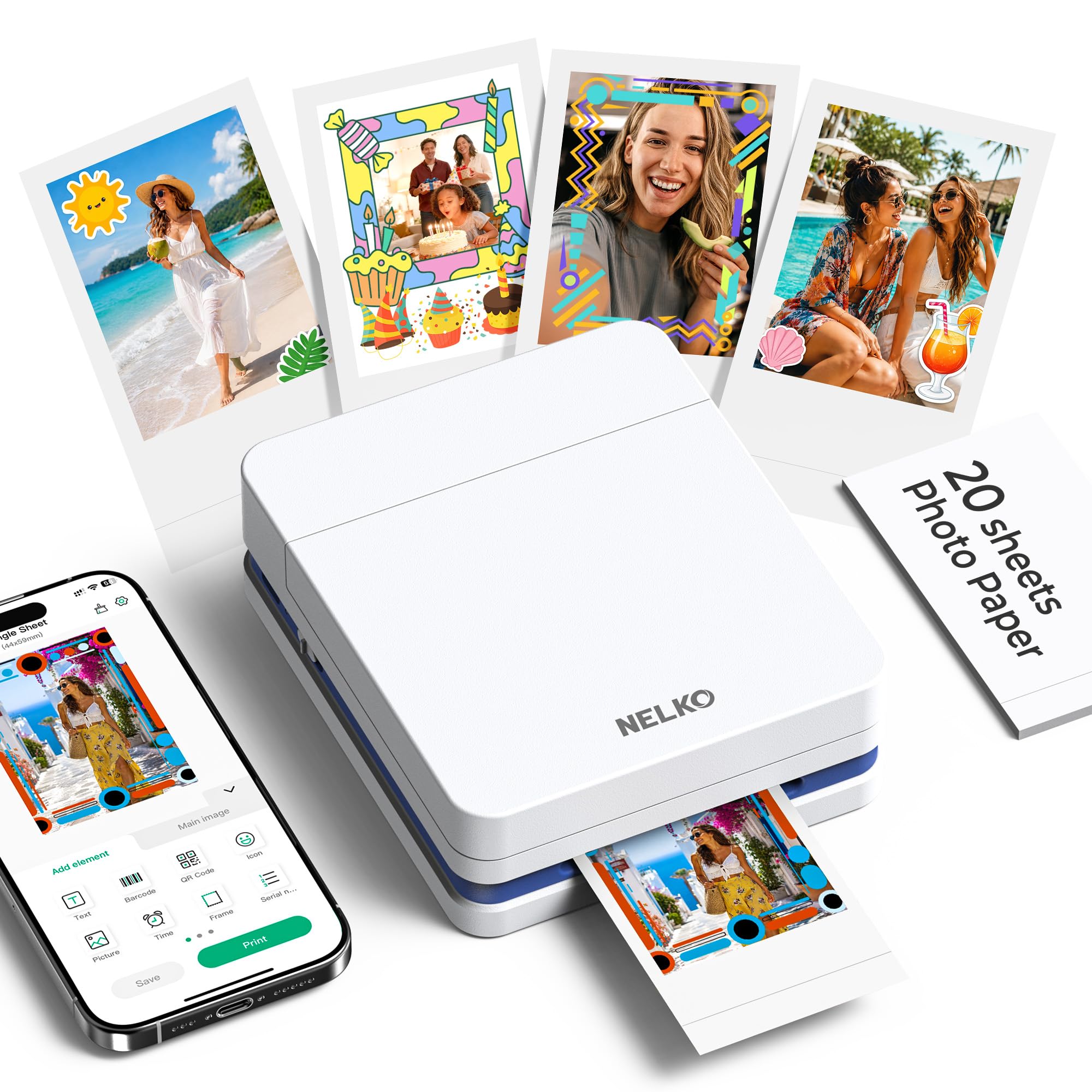
- Prints 2x3-inch photos on premium sticky-backed paper using inkjet technology.
- Weighs 0.6 pounds and pairs with phones over Bluetooth.
- The app supports filters, stickers, text and collages.
Best For: Crafters who want adhesive-backed color prints and extensive phone-app editing.
Liene Pearl K100
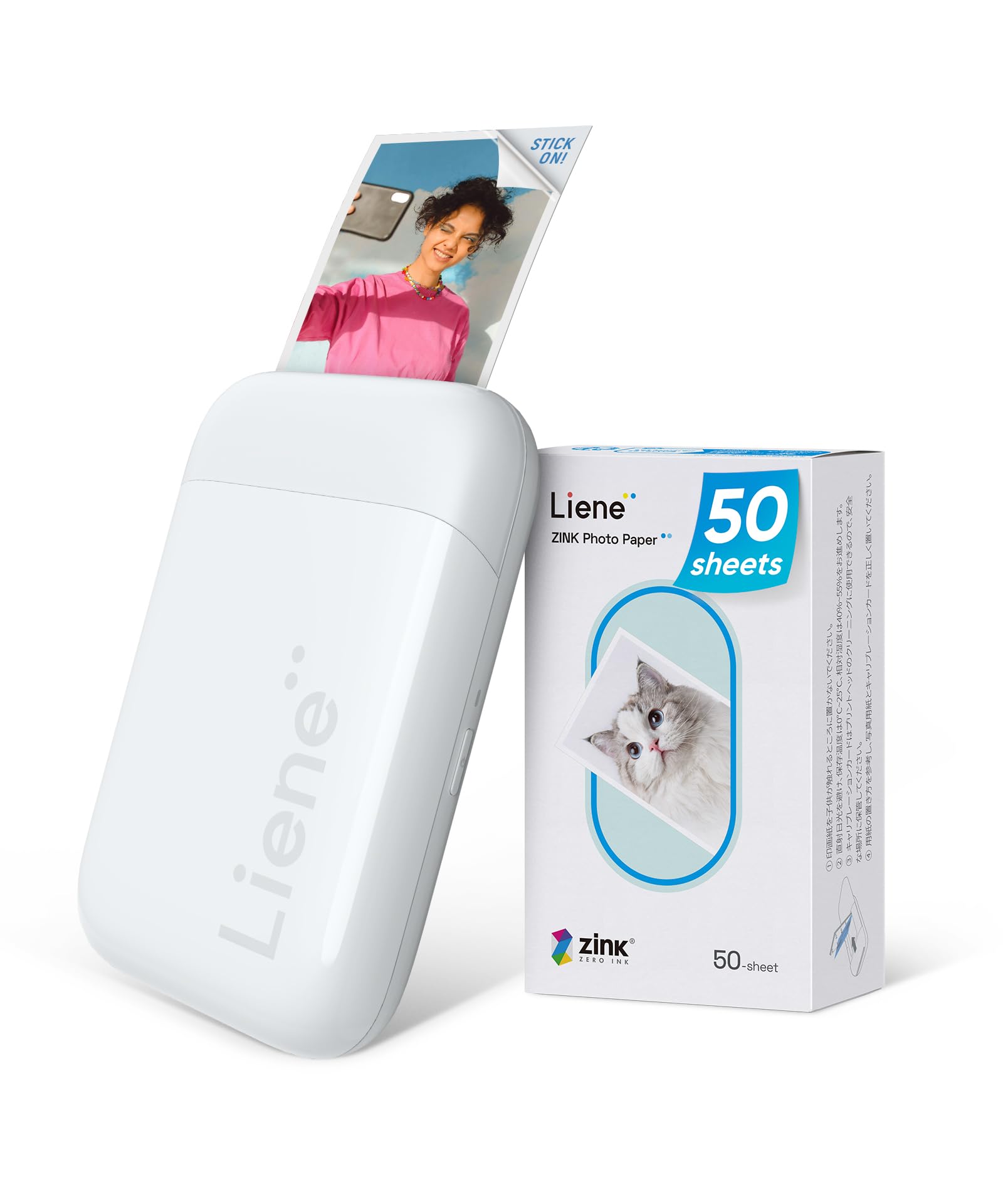
- Includes 50 sheets of 2x3-inch ZINK adhesive paper.
- Connects directly to iOS and Android with Bluetooth 5.2.
- Can print up to 30 photos wirelessly on one charge.
Best For: Phone-first users who want a compact ZINK printer with a substantial paper bundle.
Kodak Dock Premium
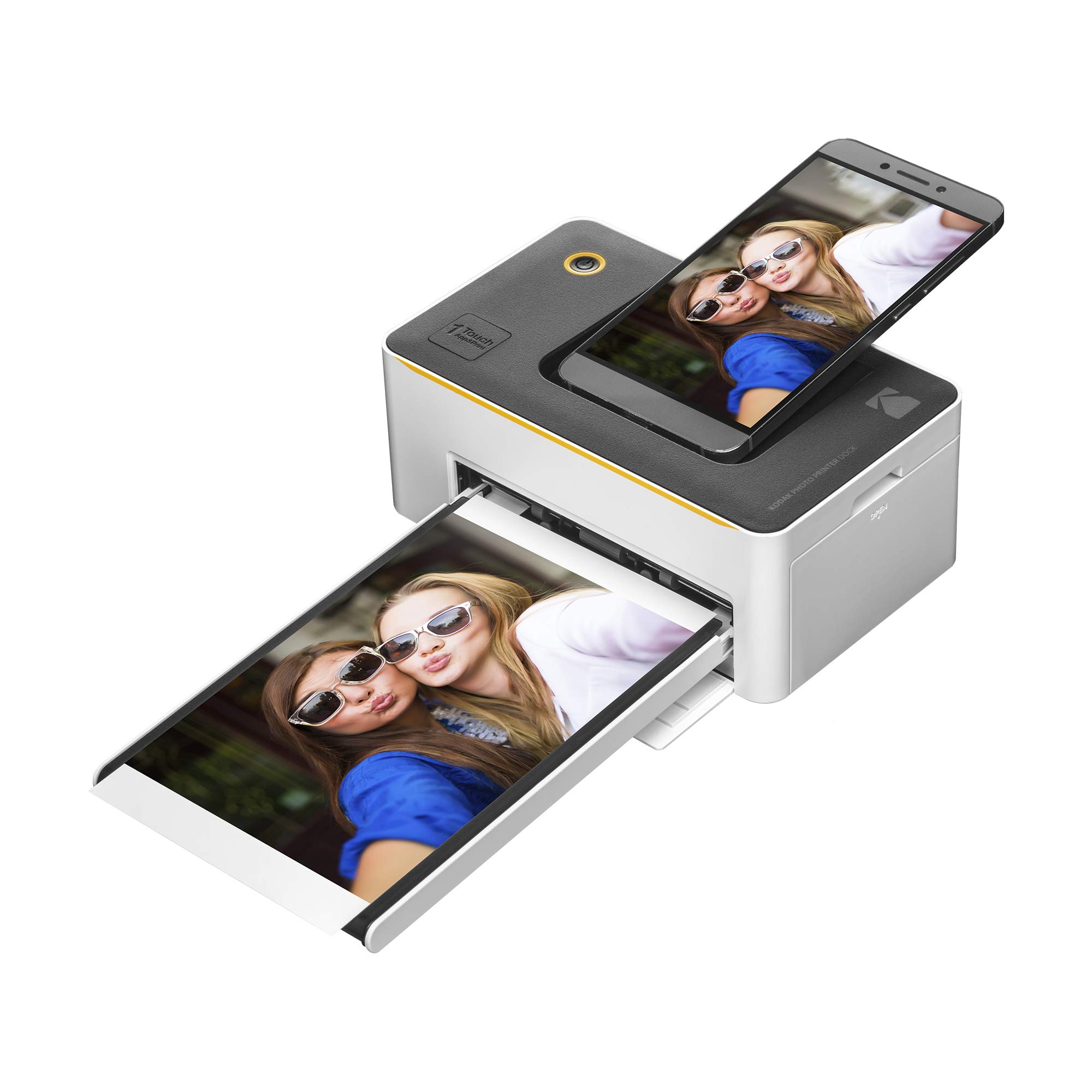
- Makes 4x6 color prints with 4PASS and lamination.
- Supports Bluetooth and includes USB-C and Lightning dock connectors.
- Includes a starter cartridge and 10 sheets.
Best For: Users who want large-format smartphone prints with both wireless pairing and a physical dock connector.
HP Sprocket Select

- Prints 2.3 by 3.4-inch photos from a smartphone or social media.
- Uses ZINK sticky-backed photo paper without toner or ribbon replacements.
- The HP app has frames, filters and doodle-to-sticker tools.
Best For: Phone photographers who want larger-than-pocket ZINK prints that still peel and stick.
HP Sprocket Photo Booth
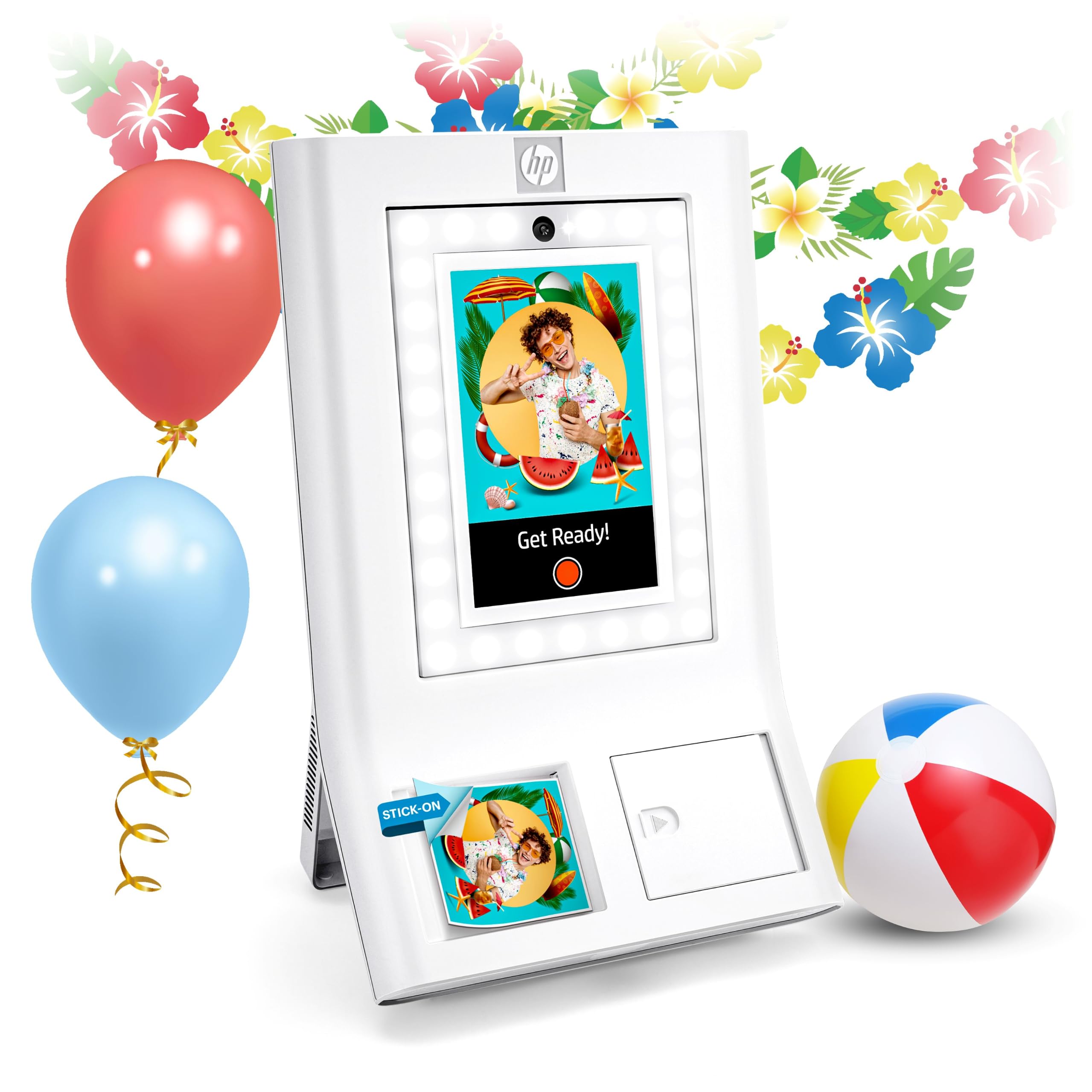
- Has a 10.1-inch touchscreen with live layout and filter previews.
- Event controls include guest privileges and print limits.
- Prints on HP 3x4 ZINK paper and can share photos by QR code over Wi-Fi.
Best For: Event hosts who want guests to take, customize and print photos at a gathering.
Pocket Prints With Dye Sublimation
KODAK Mini 2 Retro 2x3 Portable Photo Printer, 38 Sheets, Bluetooth Smartphone Printer for iPhone & Android, Instant Color Prints, 4PASS Dye Sublimation, Yellow
The KODAK Mini 2 Retro makes portable printing about carrying a small photo printer and supplies together. Its 4PASS dye-sublimation process lays down three color layers and adds a clear lamination layer, with prints designed to resist fingerprints, water and fading.
Each print is about credit-card size, a practical format for wallets, planners and albums. The bundle includes 38 sheets, four cartridges and a USB-C cable, so there are supplies for getting started.
It connects to compatible iOS and Android devices over Bluetooth through the KODAK Photo Printer app, where photos can be edited and cropped before printing.
Best For: Travelers and scrapbookers who want pocket-size prints with a protective finish.
| Pros | Cons |
|---|---|
|
|
Choose the Mini 2 Retro if you want a compact photo format with a laminated finish and included printing supplies. Its credit-card-size output suits albums and wallets, while a larger printer is a better fit for standard prints.
Before buying, check the ongoing cost and availability of compatible paper and cartridges; the included 38 sheets provide a useful start, not an unlimited supply. The workflow also depends on a compatible phone and the KODAK app.
Square Prints for Albums
KODAK Mini 3 Retro 3x3 Portable Photo Printer, 4PASS, 38 Sheets, White | Bluetooth, iPhone & Android Smartphone Compatible, Smudge-Proof, Water-Resistant, Fade-Resistant
The KODAK Mini 3 Retro is a portable dye-sublimation printer built around square photos. Its 4PASS process prints in three color layers and adds clear lamination, with photos designed to resist fingerprints, water and fading.
That finish and format make it suited to scrapbooks, wall displays, photo booths and gifts. The bundle includes 38 sheets, four cartridges, a USB-C cable and a user guide.
Bluetooth connects the printer to compatible iOS or Android devices through the KODAK Photo Printer app, which can edit, crop and customize images. Consider whether square output matches your albums and display plans before choosing it over a rectangular printer.
Best For: People who prefer square keepsake prints for scrapbooks, displays and gifts.
| Pros | Cons |
|---|---|
|
|
Pick this model when square photos are part of the appeal, rather than an incidental format. It shares the Mini 3 Retro's 4PASS approach and included sheet count, but changes the output shape for albums and displays.
If you mainly want wallet-size or conventional rectangular photos, compare the print format closely before buying. Also check the cost of replacement paper and cartridges and whether the KODAK app workflow suits the phones you will use.
Inkjet With Adhesive Prints
Nelko Photo Printer, 2x3 Portable Wireless Smartphone Printer, PP01 Mini Color Instant Inkjet Printer, Sticky-Back Photos, Bluetooth Compatible with iOS & Android, App Editing, White
The Nelko PP01 takes a different route from inkless ZINK pocket printers: it uses inkjet technology and cartridges to make 2x3-inch sticky-backed color prints. It weighs 0.6 pounds and connects to iOS and Android phones through Bluetooth and the Nelko app.
Editing tools include filters, frames, stickers, text, graffiti and collage creation, which fit journaling and craft projects. The supplied notes say each cartridge prints up to 80 photos, and prints take under 90 seconds.
A USB charging cable is included, but the power adapter is not, and the paper faces down when loaded. That cartridge-based setup is the key supply tradeoff to consider.
Best For: Crafters who want adhesive-backed color prints and extensive phone-app editing.
| Pros | Cons |
|---|---|
|
|
The PP01 is a good match if app-led editing and adhesive photo projects matter more than avoiding cartridges. Its inkjet system, 2x3 format and cartridge yield distinguish it from ZINK printers that use dye crystals embedded in paper.
Check the price and availability of both cartridges and sticky-backed paper before committing, and plan for a compatible charging adapter because only a USB cable is included. Its app is required for Bluetooth printing.
50-Sheet Bluetooth Starter Bundle
Liene Pearl K100 2x3” Photo Printer, Mini Instant Portable Color Picture Printer Bundle 50 Zink Adhesive Paper, Bluetooth 5.2 Compatible w/iOS & Android Small Phone Sticker for iPhone Smartphone White
The Liene Pearl K100 is a palm-size ZINK printer for 2x3-inch adhesive photos. Bluetooth 5.2 connects it directly to iOS and Android devices, so it can print on outings without a Wi-Fi network.
This bundle includes 50 sheets, and the rechargeable printer can print up to 30 photos on a charge. The Liene app is required for printing and includes a clean-print-head feature; a blue calibration card is needed for that process.
The printer also supports monochrome paper sold separately. Consider the per-charge output and app-only workflow alongside the generous paper supply when deciding whether it fits trips, parties or casual journaling.
Best For: Phone-first users who want a compact ZINK printer with a substantial paper bundle.
| Pros | Cons |
|---|---|
|
|
Choose the Pearl K100 if you want a phone-connected ZINK printer and a large starter pack of sticky-backed paper. Its 30-photo stated charge capacity makes battery planning relevant for longer gatherings, and the Liene app is mandatory for printing.
The monochrome-paper option is sold separately, so check that supply if black-and-white output matters. The clean-print-head feature may be useful, but remember the calibration card requirement when evaluating maintenance.
4x6 Bluetooth Prints With Dock Connectors
Kodak Dock Premium 4x6” Portable Instant Photo Printer, Bluetooth Edition | Full Color Photos, 4Pass & Lamination Process | Compatible with iOS, Android,Devices (2021 Edition)
The Kodak Dock Premium combines 4x6 color printing with Bluetooth connectivity and a physical phone dock. It uses 4PASS printing with layered color and a lamination process, with photos designed to resist fingerprints and water.
A starter cartridge and 10 sheets are included, so the initial supply is limited compared with larger paper bundles in this group. The printer works with iOS and Android devices through the Kodak app, which offers stickers, frames and filters.
A USB-C pre-installed docking pin and Lightning connector are included. It makes sense for photo albums and keepsakes when larger prints matter, but portability should be weighed against the compact alternatives.
Best For: Users who want large-format smartphone prints with both wireless pairing and a physical dock connector.
| Pros | Cons |
|---|---|
|
|
The Dock Premium is a fit for buyers who value full-size 4x6 output and flexible phone connection options. Its physical dock connectors distinguish it from printers that depend on Bluetooth alone, while the 10-sheet starter supply is relatively small.
Compare the dock setup with your phone and check the cost of replacement cartridges and paper. If carrying a printer away from a power source is the priority, a pocket-size model is a more natural match.
Larger Sticky-Back Prints
HP Sprocket Select 2.3x3.4 Instant Photo Printer, Print Pictures on Zink Sticky-Backed Paper from Your iOS & Android Device, Portable Printer for Home Use and Travel, Eclipse
The HP Sprocket Select stretches the pocket-printer format to 2.3 by 3.4 inches. It uses ZINK paper, with colors embedded in glossy sticky-backed sheets, so no separate ink or ribbon replacement is needed.
Bluetooth 5.1 connects iOS and Android devices, and the HP app offers frames and filters, augmented-reality features and doodle scanning for custom stickers. Its travel-friendly rechargeable design includes a removable magnetic lid and micro-USB port.
This is a useful middle ground for people who want larger scrapbook or display stickers than smaller models produce while keeping a pocketable printer. Check that you are comfortable with the app and specific ZINK paper format.
Best For: Phone photographers who want larger-than-pocket ZINK prints that still peel and stick.
| Pros | Cons |
|---|---|
|
|
Choose the Sprocket Select if you want a print larger than common pocket-printer stickers while staying in the pocket-printer category. Its ZINK paper and app tools favor casual sharing, journaling and personalized stickers.
The 2.3 by 3.4-inch format needs its own compatible paper, so check refill availability and supply cost before buying. Also account for its micro-USB charging port if your travel kit is built around newer connectors.
Portable Photo Booth for Events
HP Sprocket Photo Booth Machine Instant Color Photo Printer - 10.1" Touchscreen Photobooth, LED Ring Light - Customize w/ 250+ Frames, Prints on 3x4 Zink Paper or Share via QR Code, Mobile App - White
The HP Sprocket Photo Booth is a different kind of portable printer: a 10.1-inch touchscreen booth weighing just over seven pounds, built for events rather than pocket travel. Guests can preview layouts, frames and filters before printing on 3x4 ZINK paper.
Hosts can create events, control print limits and guest access, and share digital copies through QR codes when connected to Wi-Fi. The booth works only with HP 3x4 ZINK paper, an important supply constraint.
Its ring light and built-in flash support photo-taking on site, while the larger body and dedicated paper make it a specialized choice for parties and event planners.
Best For: Event hosts who want guests to take, customize and print photos at a gathering.
| Pros | Cons |
|---|---|
|
|
This booth suits event hosts who need a shared photo station with guest controls and digital sharing. Its touchscreen and built-in lighting give it a role beyond simply printing phone photos, but its weight and dedicated 3x4 paper make it far less convenient for everyday travel than pocket printers.
Confirm the cost and availability of compatible HP paper before planning an event. Wi-Fi is needed for QR-based digital sharing.
How to Choose Portable Photo Printers
How We Picked Best Portable Photo Printers
This selection prioritizes printers that can travel with a phone and turn digital photos into physical keepsakes. The strongest fits include pocket-size printers using 2x3-inch sticky-backed paper, larger 2.3 by 3.4-inch ZINK prints, and small dye-sublimation models that produce wallet-size or square photos.
We also included a more specialized 4x6 dock printer and an event booth because the records explicitly describe portable use and distinct sharing setups.
We avoided filling the list with every bundle or color offer of the same printer. Format, printing process, phone connection, charging or power needs, included supplies and specialized uses help distinguish the options.
Thermal note and label printers were excluded because their records do not support color photo printing. A portable document printer was excluded because its notes caution against image and portrait printing.
Comparing Portable Photo Printers by Print Format
Pocket photo printers offer the most travel-friendly formats. The HP Sprocket Select makes larger 2.3 by 3.4-inch sticky prints, while the Liene Pearl K100 and Nelko PP01 focus on 2x3 photos.
The KODAK Mini 2 Retro adds a laminated dye-sublimation finish in a credit-card-size print, and the Mini 3 Retro produces square photos. Check the paper format before buying, since paper sizes and printing processes are not interchangeable.
For larger rectangular pictures, the KODAK Dock Plus and Dock Premium produce 4x6 prints, but their dock-oriented setups suit home use more than spontaneous travel. The HP Photo Booth serves events, with a touchscreen workflow and dedicated 3x4 ZINK paper.
The Liene N200 Pro adds camera-led printing for parties and creative sessions. The comparison table summarizes the main format and connection differences.
| Product | Standout features | Best for |
|---|---|---|
| KODAK Mini 2 RetroCheck Price |
| Travelers and scrapbookers who want pocket-size prints with a protective finish. |
| KODAK Mini 3 RetroCheck Price |
| People who prefer square keepsake prints for scrapbooks, displays and gifts. |
| Nelko PP01Check Price |
| Crafters who want adhesive-backed color prints and extensive phone-app editing. |
| Liene Pearl K100Check Price |
| Phone-first users who want a compact ZINK printer with a substantial paper bundle. |
| Kodak Dock PremiumCheck Price |
| Users who want large-format smartphone prints with both wireless pairing and a physical dock connector. |
| HP Sprocket SelectCheck Price |
| Phone photographers who want larger-than-pocket ZINK prints that still peel and stick. |
| HP Sprocket Photo BoothCheck Price |
| Event hosts who want guests to take, customize and print photos at a gathering. |
ZINK, Inkjet and Dye-Sublimation for Travel Printing
ZINK printers such as the HP Sprocket Select and Liene Pearl K100 use photo paper with embedded color, so buyers do not manage separate ink cartridges. The Nelko PP01 uses inkjet printing and a cartridge, with the notes giving a stated yield of up to 80 photos per cartridge.
Liene's Pearl N200 Pro and the KODAK models use dye sublimation; KODAK's 4PASS process adds a clear lamination layer to its prints. Those are different supply systems, so compare replacement paper and cartridge availability as well as the printer's initial bundle.
Small print size also shapes the result. Sticky-backed 2x3 and 2.3 by 3.4-inch prints are suited to journals, lockers and party favors.
Square output is a natural fit for scrapbook layouts, while 4x6 photos are closer to standard album and frame sizes. Decide where the print will go before prioritizing portability or a larger paper format.
Phone Pairing, Apps and Battery Planning
Most selected models pair with a phone over Bluetooth and rely on a brand app for editing or printing. Check operating-system compatibility and app dependence before a trip, especially with the Liene K100, whose photos can only be printed through the Liene app.
The Sprocket Select adds social-photo access and custom sticker tools, while the Kodak app supports edits and crops on its dye-sublimation models.
Battery details vary. The Liene K100 notes up to 30 prints per charge, the Kodak Barbie Step Slim offer notes up to 25, and the Liene N200 Pro notes up to 27 stickers.
Treat those as stated capacities, not a substitute for carrying paper and a charging cable on a longer outing. Dock-style printers need an outlet, so they are better suited to a home station or fixed event setup.
Who Should Buy Which Portable Photo Printer
For travel journals and adhesive snapshots, choose a compact 2x3 printer such as the Liene Pearl K100 or Nelko PP01, based on whether you prefer ZINK paper or a cartridge-based inkjet system. For a larger sticky-backed image, consider the HP Sprocket Select.
For laminated wallet-size or square keepsakes, compare the KODAK Mini 2 Retro and Mini 3 Retro by shape.
For 4x6 prints at home, the KODAK Dock Plus or Dock Premium offers a larger format and a phone-dock approach. Event organizers may prefer the HP Photo Booth's touchscreen, lighting and guest controls.
If instant camera-style capture matters, the Liene Pearl N200 Pro's shoot-and-print mode is the clearest fit. Check each printer's paper format, supply bundle and app requirements before choosing.